Assigning SO Work Items
Lines on the SO Tracker are assigned to associates prior to being worked.
Listed below are the steps on how to assign work on the Supplier Operations
Tracker.
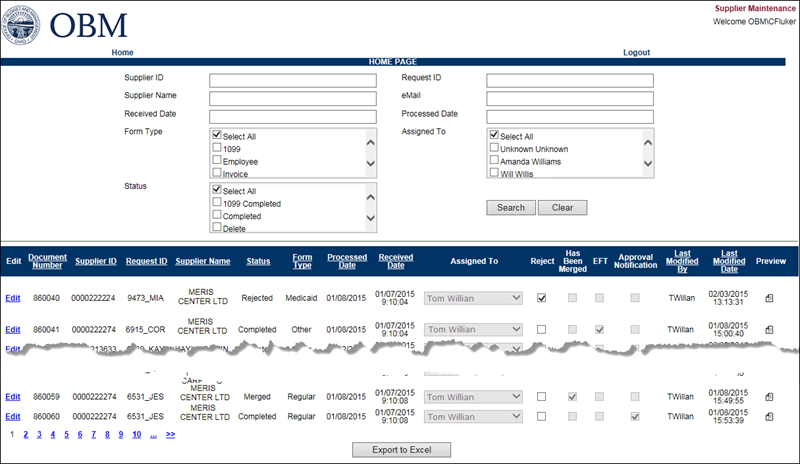
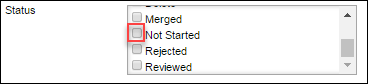
- Select "Not Started" from the StatusStatus
section.
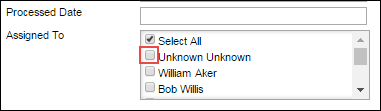
- Select the "Unknown Unknown" from the Assigned ToAssigned To
section
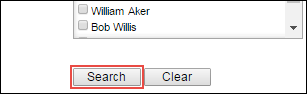
- Click SearchSearch.
- All unassigned documents will display.
- When assigning work, SO team members will select
the oldest 20 documents (one page).
- Multi-lines (multiple lines for the same
supplier) should always be assigned to the same associate.
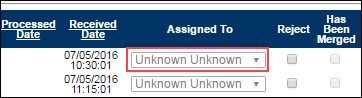
- In the returned
list, use the Assigned
ToAssigned
To dropdown to select the associates
name.
- Once
all 20 lines are selected, click Save.